





















Valid till
Hrs
Mins
Secs
Valid till
Hrs
Mins
Secs

How to Schedule WhatsApp Messages for Business Success

Key Takeaways

  • Scheduling WhatsApp messages helps businesses maintain consistent communication with customers, even when offline.
  • Use third-party apps like SKEDit, Wasavi, or WhatsApp Business API to schedule messages.
  • By scheduling messages at optimal times, businesses can boost engagement and improve marketing outcomes.

Ever missed sending an important message because you got busy or forgot? Scheduling WhatsApp messages can be a lifesaver for businesses looking to maintain consistent and timely communication with their customers. 

Whether it’s reminders, promotional updates, or greetings, scheduling helps streamline interactions, ensuring no message gets missed.

In this guide, we’ll show you how to schedule WhatsApp messages effectively, using different methods and tools to automate your communication seamlessly. 

Why Should You Schedule WhatsApp Messages?

Scheduling WhatsApp messages saves time and enhances your customer engagement by delivering messages at the right moment. 

This feature is crucial for businesses aiming to provide timely updates, reminders, or promotional offers without manual effort every single time. 

It not only boosts productivity but also helps in maintaining consistent communication with your audience. 

How to Schedule WhatsApp Messages: Methods You Can Use

1) Using WhatsApp Business API

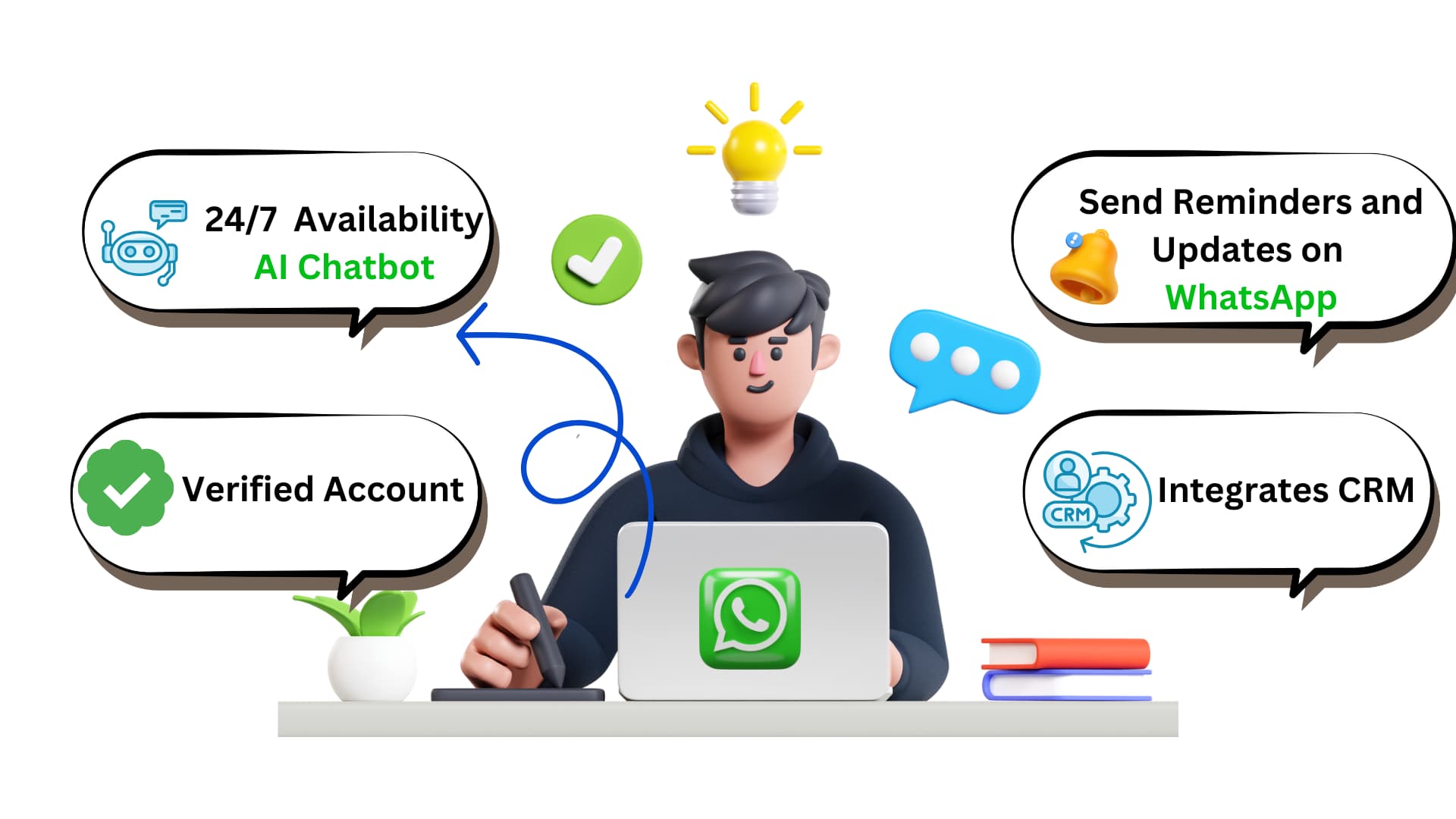
If you’re a business looking to schedule WhatsApp messages on a larger scale, the WhatsApp Business API is your best bet. This tool is designed for enterprises to send automated messages like order confirmations, reminders, and updates. 

Tip – The WhatsApp Business API requires integration with a CRM or third-party platform.

2) Third-Party Scheduling Apps

For personal users and small businesses, third-party apps like SKEDit, WhatsApp Scheduler, and Buffer are great options to schedule WhatsApp messages easily. 

Tip – Choose apps with a good rating and user reviews to ensure reliability and security when scheduling messages.

3) Using WhatsApp Business for Reminders and Follow-ups

WhatsApp Business offers features like labels and quick replies but lacks a native scheduling option. 

However, you can still manage your communication effectively by integrating WhatsApp Business with external tools to schedule WhatsApp messages and automate follow-ups. 

Tip – Use tags and labels to segment your audience, making it easier to send scheduled and personalized messages.

How to Schedule Messages on WhatsApp: A Step-by-Step Guide

So, now that you know why scheduling messages is beneficial, let’s dive into the “how.” Here’s how to schedule messages on WhatsApp—whether you’re using third-party apps or more advanced tools like the WhatsApp Business API. 

1) Choose the Right WhatsApp Scheduler Tool

Although WhatsApp does not have a built-in scheduling capability, you can schedule WhatsApp messages using third-party apps. Some of the apps are: 

  • SKEDit (for Android)
  • Wasavi (for iOS)
  • WhatsApp Business API (for businesses)

These apps provide simple and intuitive interfaces, allowing you to schedule messages with just a few taps.

Tip – Check the reviews of these apps before downloading to ensure they meet your business needs.

2) Download and Set Up the Scheduler App

Once you’ve selected a scheduling app, download it from your app store. After installing, sign up or log in to the app. 

These apps will ask for permissions to access your WhatsApp account, so make sure to grant those permissions for smooth functionality. 

Tip – Make sure the app has all the necessary permissions to send messages, or you might encounter issues with scheduled messages.

3) Write Your Message

It’s time to compose the message you wish to send after configuring the app. Whether it’s a product update, a promotion, or a simple reminder, you can easily compose your message within the app’s interface. 

Tip – Craft your messages carefully—once scheduled, they’ll go out automatically, so make sure the tone and content align wit h your business goals.

4) Message Date And Time

Next, choose the time you would like the message to be delivered. It can be scheduled at any future time, including hours, days, or even weeks in advance.  

Additionally, some apps allow you to choose a specific time zone, which is super helpful when dealing with international clients.  

Tip – Choose the optimal time when your audience is most likely to be available and engaged. Timing is everything!

5) Confirm and Schedule

Once you’ve set the date, time, and recipients, take a moment to double-check everything. When you’re sure everything looks good, hit the “schedule” button. Your message is now on autopilot and will be sent at the designated time. 

Tip – Test your message schedule once in a while to ensure everything is working smoothly—better to catch any issues early!

Trusted by 40,000+ Users
Struggling to manage your leads? 🤔
Put an end to old-fashioned lead management and get started with smarter lead management today!
Blog - CTA l Request Demo l April 2024

How to Send Scheduled Messages on WhatsApp Using WhatsApp Business API

If you’re running a business and need more advanced features, the WhatsApp Business API is the way to go. 

This option is perfect for businesses with a large customer base or those using WhatsApp for customer support, marketing, and automated communication. 

1) Set Up WhatsApp Business API

The first step is to set up WhatsApp Business API, which requires a bit more technical know-how. 

You’ll need to work with a service provider like Twilio or MessageBird to access the API. Once set up, you can integrate the API with your CRM for seamless communication. 

2) Integrate With Your CRM

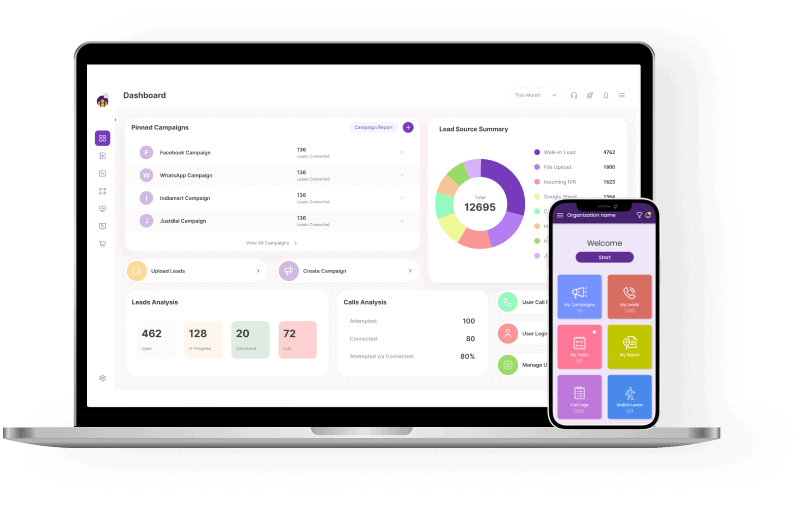
Once you have the API, the next step is integrating it with your customer relationship management (CRM) tool. This lets you automate messages based on customer actions, ensuring timely communication without manual input. 

Tip – The WhatsApp Business API is ideal for larger businesses that need high-level automation and bulk messaging capabilities.

3) Use Automated Scheduling

With the API and CRM integration in place, you can now schedule messages directly from your CRM tool, creating a fully automated workflow that sends WhatsApp messages at the right time. 

Tip – Automating customer interactions based on their journey through your sales funnel will increase engagement and customer satisfaction.

Using Timer Messages for Better Customer Engagement

A timer message in WhatsApp is a message that is sent after a specific delay. This is useful for follow-up reminders, special offers, or customer feedback requests after a certain period.

For example, if you run a webinar or event, you could schedule a timer message to remind participants to join at the last minute or send a thank you message after the event ends. 

Why Schedule WhatsApp Messages for Marketing Campaigns?

Scheduling messages on WhatsApp is an incredibly useful tool for businesses running marketing campaigns. 

Whether you’re promoting a product, announcing a sale, or sharing important updates, WhatsApp lets you automate and streamline your campaign messages. 

1) Targeted Marketing Messages

Craft tailored messages that cater to specific customer segments. You can schedule messages based on customer preferences or their stage in the buying journey. 

2) Optimal Timing for Campaigns

Instead of manually sending each message, schedule them to be sent at peak engagement times. For instance, send a message about a flash sale in the early evening when your customers are most likely online. 

Tip – Use customer data to segment your audience and send the most relevant messages at the right time.

3) Track Campaign Performance

Once your messages are scheduled and sent, monitor the results. You can use analytics tools within the scheduler app or your CRM to track open rates, engagement, and conversions. 

Tip – Regularly analyze the performance of your campaigns to refine your message timing and content for better results.

Common Challenges with WhatsApp Message Scheduling

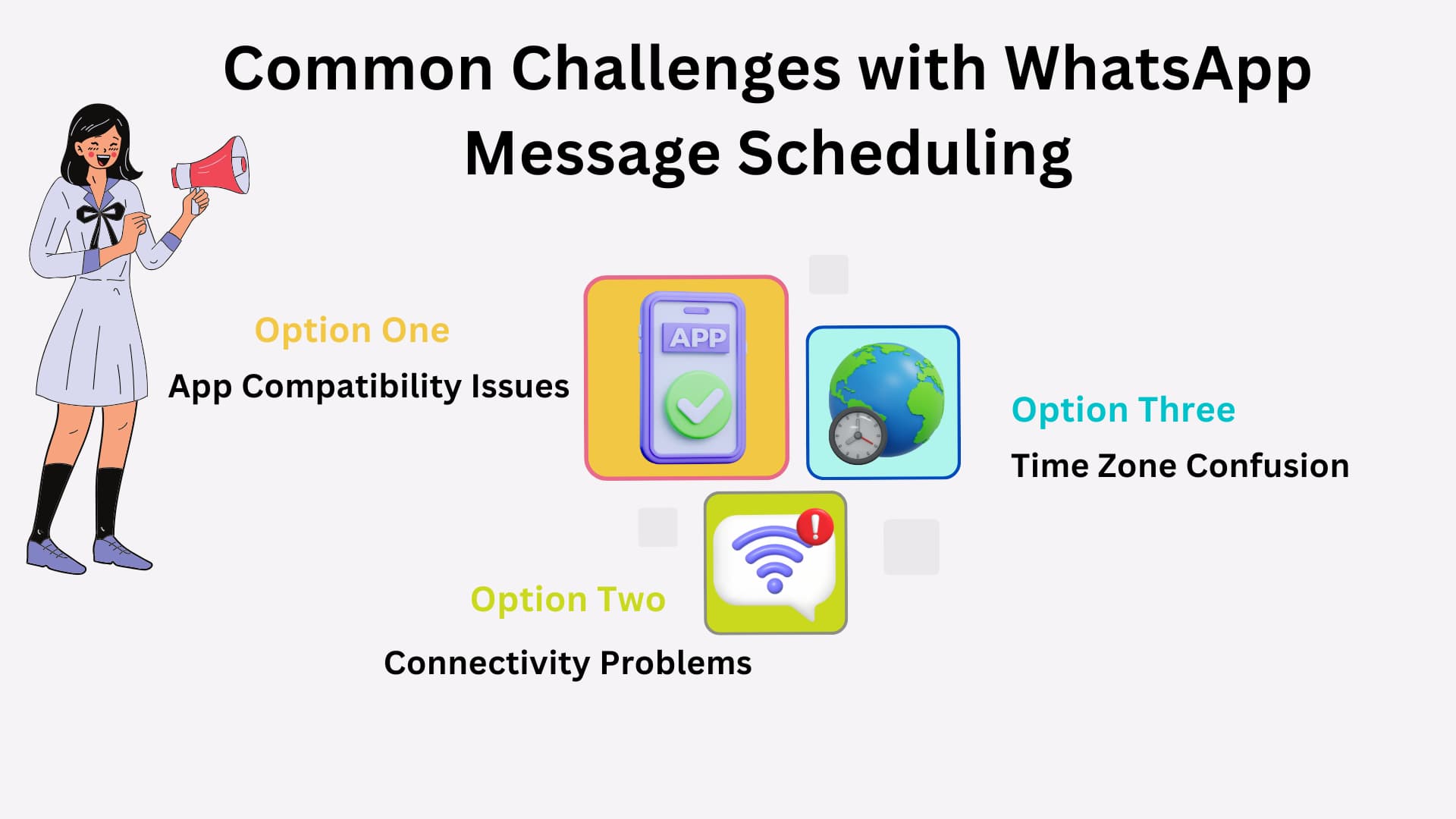
While scheduling WhatsApp messages is a powerful tool, there are a few challenges to be aware of: 

1) App Compatibility Issues

Not all scheduler apps work smoothly with every version of WhatsApp or phone model that’s why you should always choose a trustworthy app. 

2) Connectivity Problems

WhatsApp relies on an internet connection, and if your phone loses connection, scheduled messages might fail to send. 

3) Time Zone Confusion

If you’re sending messages internationally, it’s easy to miscalculate time zones. Always check your settings! 

Take your telecalling team to the next level
Empower your telecallers with NeoDove, download our handy guide today!

    Blog - CTA l Telecalling Team l May 2024

    Conclusion

    Scheduling WhatsApp messages is a proactive approach that not only boosts efficiency but also helps maintain a strong connection with your audience, even outside regular business hours. 

    Schedule WhatsApp messages today and watch your customer engagement and satisfaction soar—ensuring your business stays ahead in the competitive market! 

    Frequently Asked Questions (FAQs)

    Currently, WhatsApp doesn’t offer an in-built scheduling feature, so you’ll need third-party apps to schedule messages. 

    Yes, WhatsApp Business users can schedule messages with third-party apps like SKEDit and Wasavi. 

    After setting up the app and writing your message, you’ll choose a time and recipient, then confirm the schedule. 

    Yes, many scheduling apps allow you to set recurring messages for regular updates, reminders, or promotions. 

    A timer message is a message that is sent after a delay, useful for reminders or follow-ups. 

    Yes, businesses can schedule messages via the WhatsApp Business API, which is ideal for advanced automation. 

    Ready to Transform Your Telecalling Operations?

    Request Demo l Case Study Page Form l December 2024

    By submitting this form, I give my consent to receive message/email/whatsapp and updates to my number or email address

    Tired of Wasting Time Dialing?

    Boost your telecalling efficiency with NeoDove’s Autodialer. Act now and discover what you’re missing out on!
    Request Demo l Exit Intent Pop Up Elementor l October 2024

    By submitting this form, I give my consent to receive message/email/whatsapp/calls and updates to my number or email address

    Call Smarter,
    Close Faster!

    100% Lead Capture, 75% More Efficiency, 2X Engagement!

    Call Smarter, Close Faster! Form

    By submitting this form, I give my consent to receive message/email/whatsapp and updates to my number or email address

    Still using Excel sheets Switch to NeoDove

    95% business who use NeoDove report 3x more profits!

    50,000 +

    Happy Customers

    4.8

    107k reviews

    Request Demo l new popup still l june 2024

    By submitting this form, I give my consent to receive message/email/whatsapp/calls and updates to my number or email address

    Are you Still using Excel sheets for Manual Telecalling?

    These outcomes and beyond can be yours.

    0%

    Lead Leakage

    200%

    Increase in call attempts

    3x

    More Engagement
      Request Demo

      By submitting this form, I give my consent to receive message/email/whatsapp and updates to my number or email address