



Introduction
Are you a small business owner in India seeking an efficient method to engage with customers and increase sales?
Auto Dialer Software offers a practical solution.
In today’s competitive market, each missed call represents a potential lost opportunity. If your sales team dials phone numbers by hand, they waste valuable time. This reduces their chances of making successful connections.
This guide provides a comprehensive overview of how Auto Dialer Software enhances efficiency, accelerates outbound communication, and contributes to sustainable business growth. This article looks at how this technology works. It helps small business teams save time, cut costs, and reach customers better.
What Is Auto Dialer Software?
Auto Dialer Software is a smart tool for phone communication. It automates outgoing calls by dialing numbers from a specific list. Once someone answers a call, they immediately transfer it to an available sales representative. The software instantly proceeds to the next number if a line is busy or the call is unanswered.
This functionality enables your team to:
- Conduct a higher volume of calls in less time
- Reach a broader audience quickly
- In an organized way track outgoing call activity
- Coordinate faster follow-ups with potential customers
- Enhance sales efficiency and conversion rates
Why Auto Dialer Software Is Valuable for Small Businesses in India
More small business owners in India are using Auto Dialer Software in their sales. This software helps improve their performance. Whether your organization operates in real estate, financial services, education, or logistics, this technology can significantly enhance customer engagement and response times.
Key advantages include:
- Increased speed and efficiency in outbound calling
- Cost-effective use of internal resources
- Immediate customer engagement post-inquiry
- Data-driven insights into every call and its outcome
Prompt outreach remains critical in today’s fast-paced marketplace. Delays in responding to leads often result in diminished interest or lost opportunities. Auto Dialer Software allows for rapid customer engagement and fosters trust during early communication stages.
Top 10 Benefits of Auto Dialer Software for Small Businesses
-
Improve Agent Productivity
With automated dialing, sales representatives no longer waste time manually calling each contact. This significantly increases outbound call volume and reduces agent fatigue. On average, this can result in a two- to three-fold increase in daily customer interactions.
-
Accelerate Lead-to-Sale Conversions
Seamless Customer Relationship Management (CRM) integration enables immediate contact with new leads. When a prospect completes an online form, the system can initiate a call within seconds. Timely communication improves conversion potential.
-
Enhance Customer Interactions
Advanced solutions show lead information before a call. This helps agents by providing important details like the prospect’s name, interests, and past interactions. Personalized conversations increase rapport and effectiveness.
-
Reduce Customer Acquisition Costs
Streamlining call workflows and shortening the sales cycle results in lower costs per acquisition. Businesses can reinvest these savings to generate further growth.
-
Monitor Team Performance in Real Time
Live dashboards and call analytics provide a comprehensive overview of team productivity, allowing managers to identify areas for improvement and recognize high-performing employees
-
Simplify Outbound Campaign Management
Launching regional or seasonal promotions (e.g., Diwali offers) becomes easier with bulk dialing functionality. Teams can complete campaigns quickly without needing to hire more staff. Simply upload a contact list, upload scripts, and initiate calls.
-
Facilitate Ongoing Lead Engagement
Call scheduling, status tagging, and lead reassignment features ensure that no opportunity is overlooked. This maintains lead engagement and supports consistent follow-up
-
Implement Intelligent Call Routing
Configure the software to prioritize high-value leads or direct calls to representatives based on expertise or geographic location. Strategic routing improves conversion outcomes and customer satisfaction.
-
Increase Answer Rates Using Local Numbers
Presenting an easy-to-identify local number increases the likelihood that a recipient picks up the call. Auto Dialer Software can, in a flexible way, display local area codes to improve engagement.
-
Enable Remote Workforce Functionality
As a cloud-based tool, Auto Dialer Software requires no physical office setup. Your team can operate efficiently from any location using cloud telephony through desktop or mobile devices. This contributes to workforce flexibility and working consistency.
Types of Auto Dialers & Their Use Cases
Auto Dialer Software is available in various formats. Selection depends on team size and campaign requirements:
- Predictive Dialer: Dials multiple numbers simultaneously and connects calls only when a recipient answers. Recommended for large teams managing high call volumes.
- Power Dialer: Sequentially dials one number after the previous call ends. Suitable for medium-sized teams that prioritize consistent follow-up.
- Preview Dialer: “Shows lead details before you make a call.” Ideal for complex, high-value sales conversations where personal touch is essential.
Essential Features to Consider
- Click-to-Call: Initiate calls directly from your CRM or desktop with a single click.
- Call Notes: Allow agents to capture comments and outcomes post-call for consistency.
- Call Recording: Enable call recording for review, quality control, and training purposes.
- WhatsApp & SMS Integration: Facilitate multichannel outreach via preferred consumer communication methods.
- CRM Integration: Ensure real-time coordination of call data and lead statuses with your CRM.
- Number Masking: Employ local area codes to boost contact rate while preserving user privacy.
- Lead Segmentation: Filter and prioritize leads by region, interest level, or urgency.
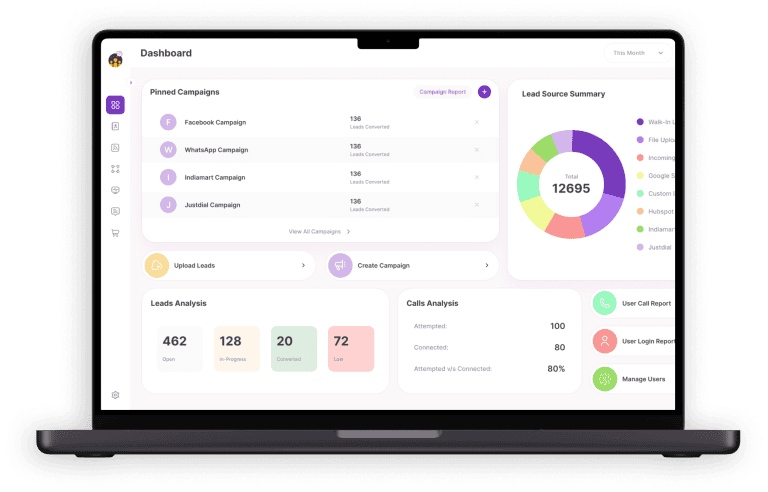
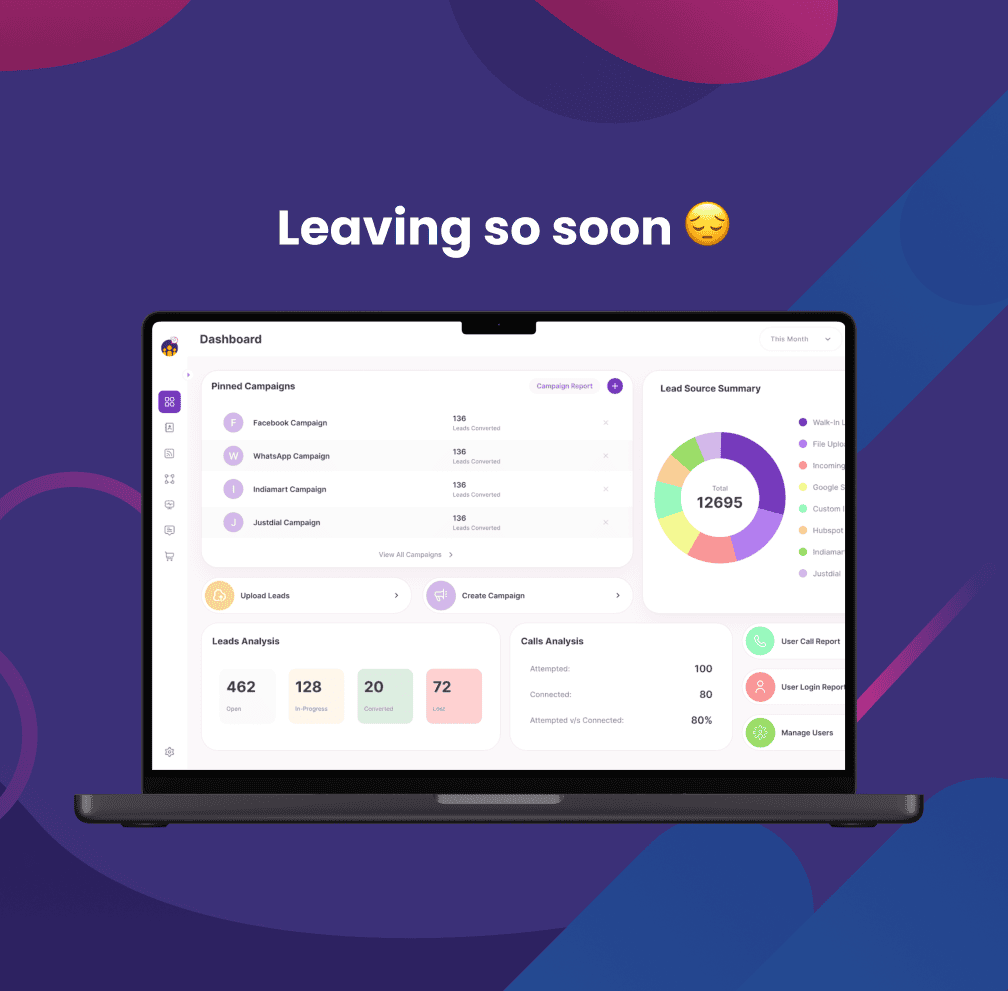
- Dashboards: Monitor campaign activity and agent performance in real time.
- Auto Voicemail Drop: Deliver pre-recorded messages automatically when calls are unanswered.
- Multi-Language Support: Communicate with leads in their preferred language for a better user experience.
How to Implement Auto Dialer Software: Step-by-Step Guide
- Review Lead Response Timing: Audit how quickly your team responds to incoming leads. Delayed outreach reduces the likelihood of conversion. Reducing this time should be a top priority.
- Select the Most Suitable Dialer Type:
- Predictive Dialer: Best for agents making 50+ calls daily
- Power Dialer: Balances volume and lead nurturing
- Preview Dialer: Appropriate for complex or high-value sales
- Upload Lead Lists: Use a CRM or spreadsheet (CSV) file to import contacts. Categorize leads by source channels (e.g., Google Ads, Referrals) to streamline tracking.
- Prepare Call Scripts: Develop concise, clear scripts. Include responses to common objections such as pricing concerns or inquiries about service delays.
- Define Follow-Up Protocols: Set up reminders for follow-ups. Send automated SMS or WhatsApp messages after calls to keep leads engaged.
- Train the Sales Team: Make sure they grasp the complete process from call beginning to note tagging.
- Monitor and Measure: Leverage dashboards to analyze key performance indicators such as call attempts, successful connections, and conversion ratios.
- Optimize Continuously: Review call recordings, evaluate script performance, and test different call timing strategies to refine your approach.
Case Studies: Real-World Impact in India
-
Finance Company – Pune
Utilized NeoDove with 15 agents
- 60% increase in agent productivity
- 40% reduction in callback times
- 30% rise in loan approvals
-
Insurance Provider – Jaipur
Replaced manual dialing with automation
- Double the number of weekly follow-ups
- 40% increase in policy renewals
-
EdTech Organization – Delhi
Applied voice drops for admission reminders
- Reached 82% of new leads with fewer outbound calls
-
Logistics Company – Hyderabad
Used software for daily pickup confirmations
- Reduced missed pickups
- Improved delivery turnaround times
Common Challenges and Solutions for New Users
- Resistance to New Technology: Conduct demonstrations and training sessions to show how the system improves productivity and ease of use.
- Call Drops or Poor Quality: Adopt reliable cloud-based solutions with scalable infrastructure and automatic network optimization.
- CRM ability to work together Issues: Choose tools with native or API-enabled CRM integration for smoother data transfer.
- Exhausted Leads from Too Many Calls: Define dialing rules to limit frequency and prevent overload.
- Low Pickup Rates: Use geo-localized numbers for improved trust and response rates.
- Data Privacy Concerns: Select solutions compliant with TRAI and DND regulations to ensure lawful and ethical use of customer data.
Best Practices for Maximizing Results
- Organize leads based on objectives (e.g., demo scheduling, follow-ups)
- Equip agents with complete lead profiles
- Test various call scripts for performance optimization
- Use real call recordings for training
- Assign daily achievable performance goals
- Automate voicemail delivery to save time
- Target high-response hours such as mid-day and early evening
- Regularly clean lead lists to eliminate inactive or invalid entries
- Leverage dashboards to make informed decisions in real time
- Follow-up calls with SMS or WhatsApp messages to reinforce communication
Why Choose NeoDove?
NeoDove is a leading Auto Dialer Software platform in India, trusted by hundreds of small businesses to streamline their communication processes, automate workflows, and drive measurable sales outcomes. Whether you are launching your first outbound campaign or scaling existing operations, NeoDove provides the tools your team needs to succeed.