Not sure what features to look for in a call center CRM systems? No worries, we’ve got you covered! Here’s your ultimate checklist:
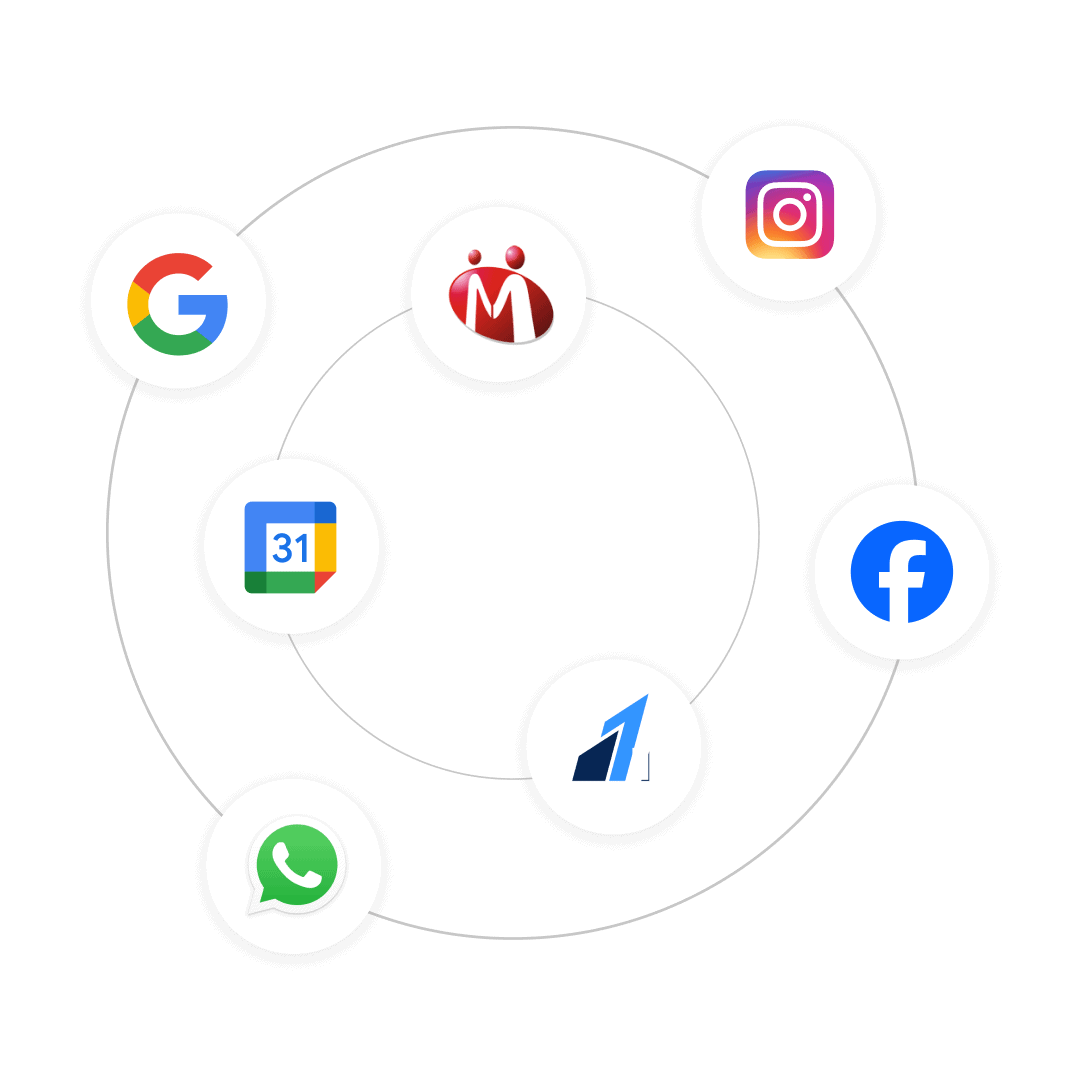
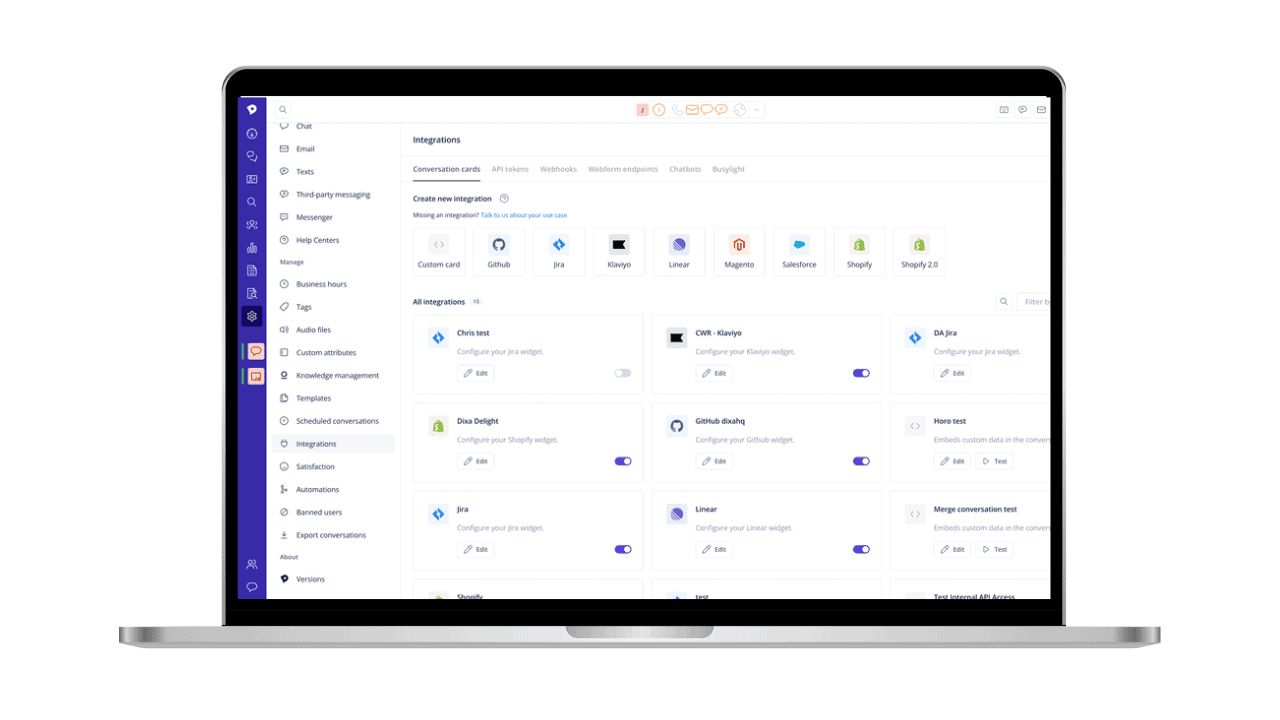
You might already be using various tools in your call center, like WhatsApp for sending invoices or Facebook for running ads and generating leads.
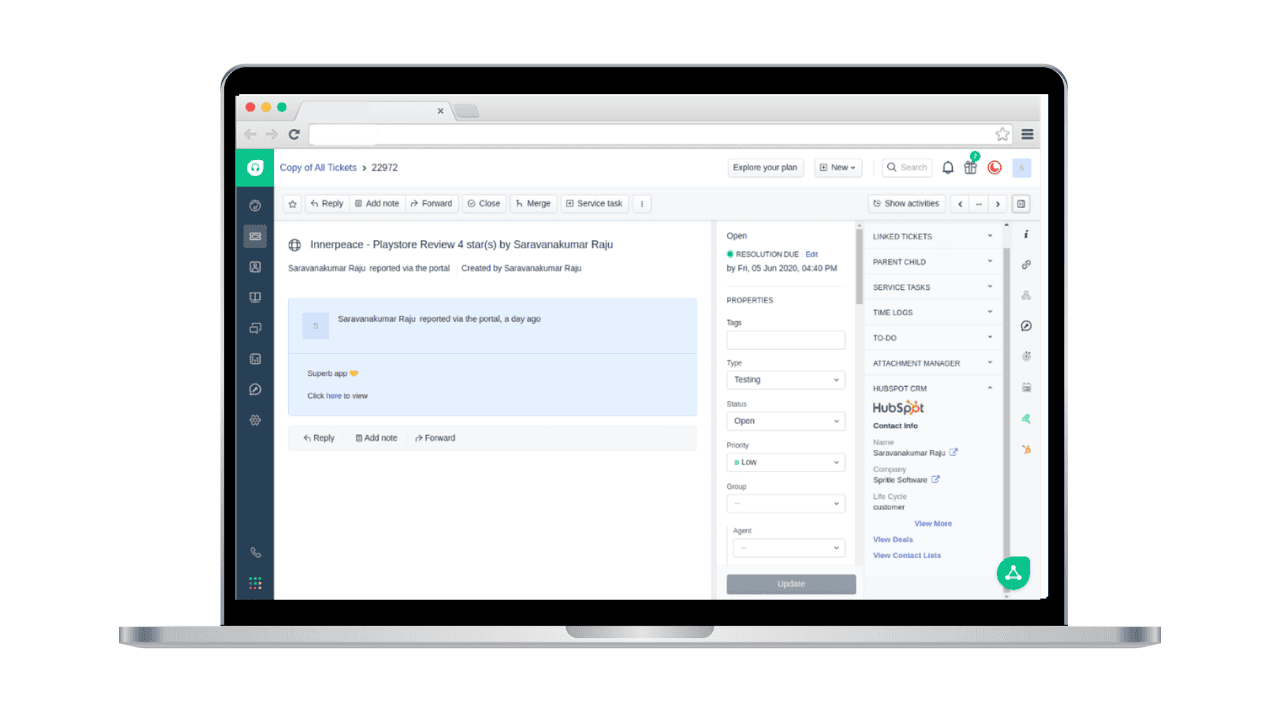
The call center CRM systems you choose should have robust integration features to seamlessly connect with these platforms. This flexibility ensures a smooth and efficient workflow, keeping your processes steady and connected.
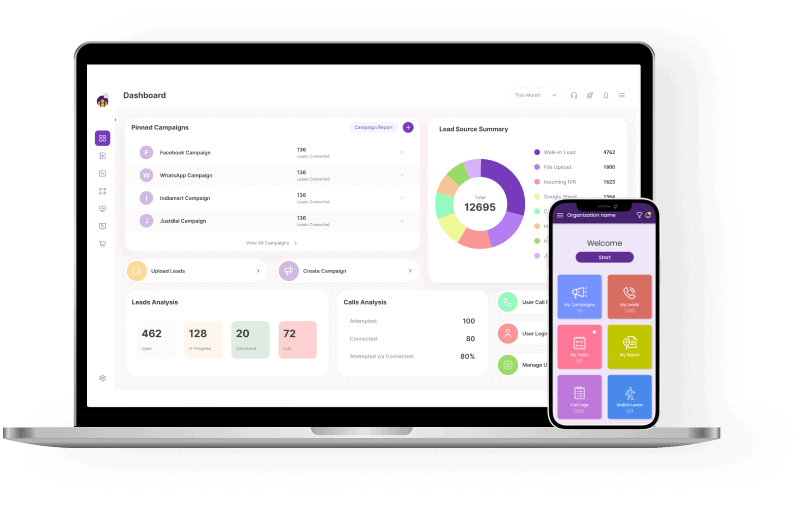
When choosing a CRM for call center, make sure it has both desktop and mobile versions. After all, your agents might be on the go and not always at their desks.
Ensuring both versions are in sync allows your agents to work seamlessly from anywhere, using whichever device they prefer. This flexibility can boost productivity and efficiency, no matter where your team is working.
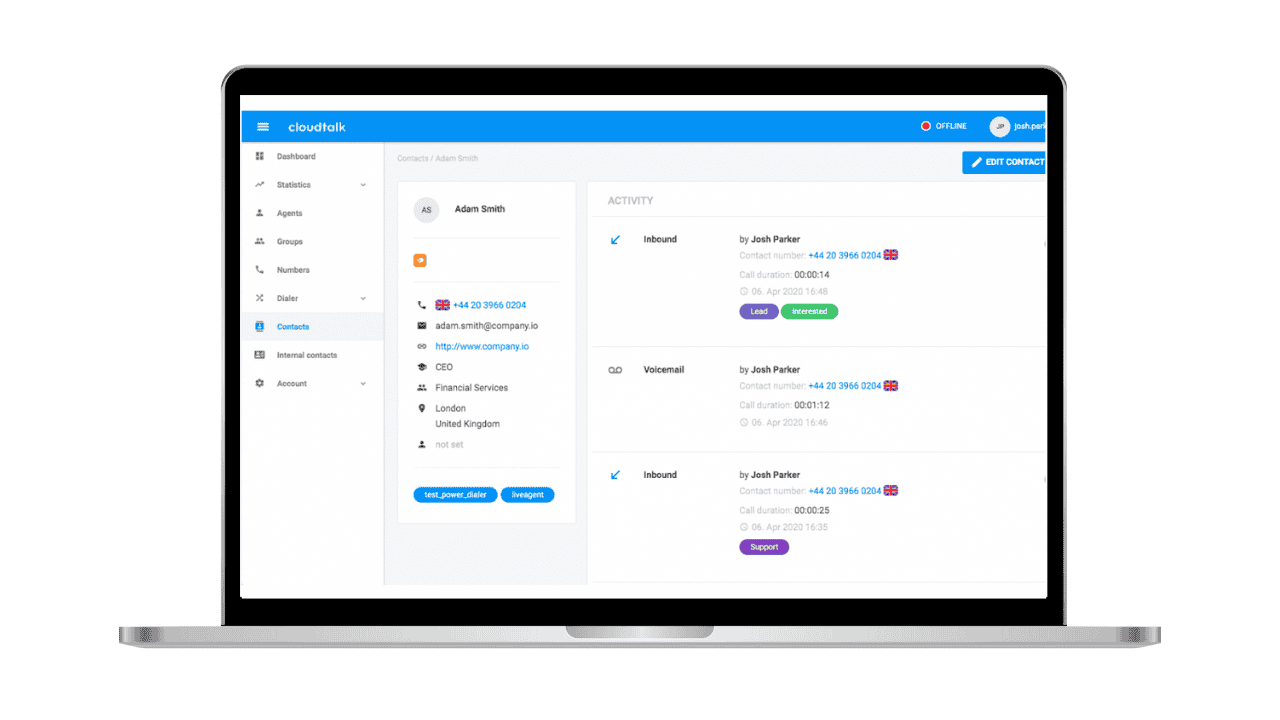
The best CRM for call center should have a call capture feature. Imagine your agent is already on a call when another one comes in; with this feature, the incoming number is automatically logged into the system.
This ensures that zero lead leakage and no opportunity is missed. Your agents won’t need to enter numbers manually, and even if they forget to log a call, they can still keep track of every interaction.
A CRM for call centers should include an IVR feature, which provides callers with a self-service option. By selecting choices from an electronic menu, callers can either connect to an agent or receive the information they need.
This IVR system frees agents from gathering customer information, as the IVR collects and delivers the necessary details. Agents then receive call context, allowing them to personalize interactions and provide the desired information or resolution.
Have you ever heard the message, “This call is being recorded for monitoring purposes,” when calling a call center? That’s because call centers use recordings to evaluate agent performance and understand customer behavior and experience.
This feature of CRM for call centers is highly beneficial as it helps identify agent productivity, determine if additional training is needed, and customize scripts and strategies to meet customer needs better.
An Autodialer in your CRM boosts agents’ call attempts and improves call connectivity by automating dialing. It assigns calls based on answers or retries as needed.
This feature frees up your team from manual dialing, allowing them to efficiently reach thousands of contacts. Agents can focus on conversations, not dialing numbers.
As told earlier, contact center CRM software helps in distributing calls to a particular agent based on a customer’s query. ACD is a feature that helps you in call routing.
Not just based on the caller’s query but other factors like business hours, IVR selections, etc. It will automatically transfer a call to an agent or relevant department based on their availability.
UCaaS is a solution that helps you manage calls, messages, and emails simultaneously. This means that a call center agent can not only call a customer but also send a message or email to them after the call. UCaaS makes it possible for your agents to access different communication channels without having to switch between the platforms.
Unified communication streamlines conversations through different channels and ensures that you reach the right people on the right platform.
A CRM for call center enables you to automate follow-up calls and messages. This allows agents to get a reminder of when to again call a particular customer for a payment follow-up or to check the status of their interest in your offerings.
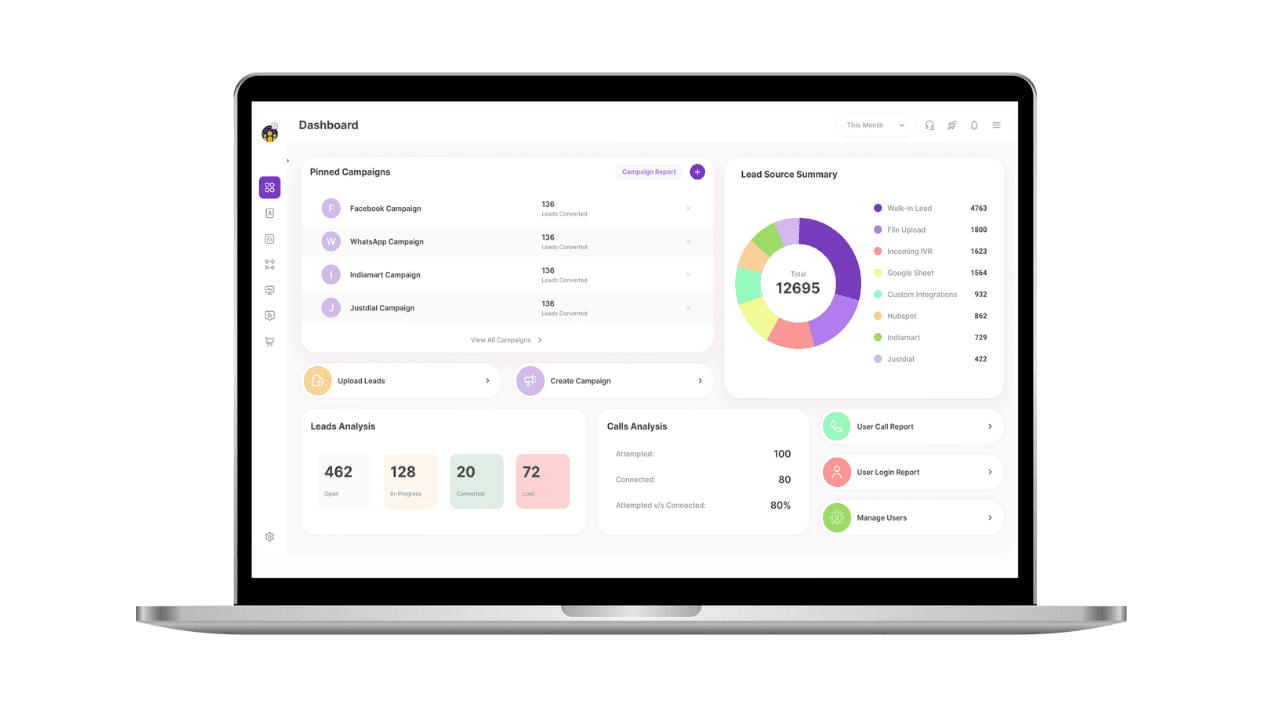
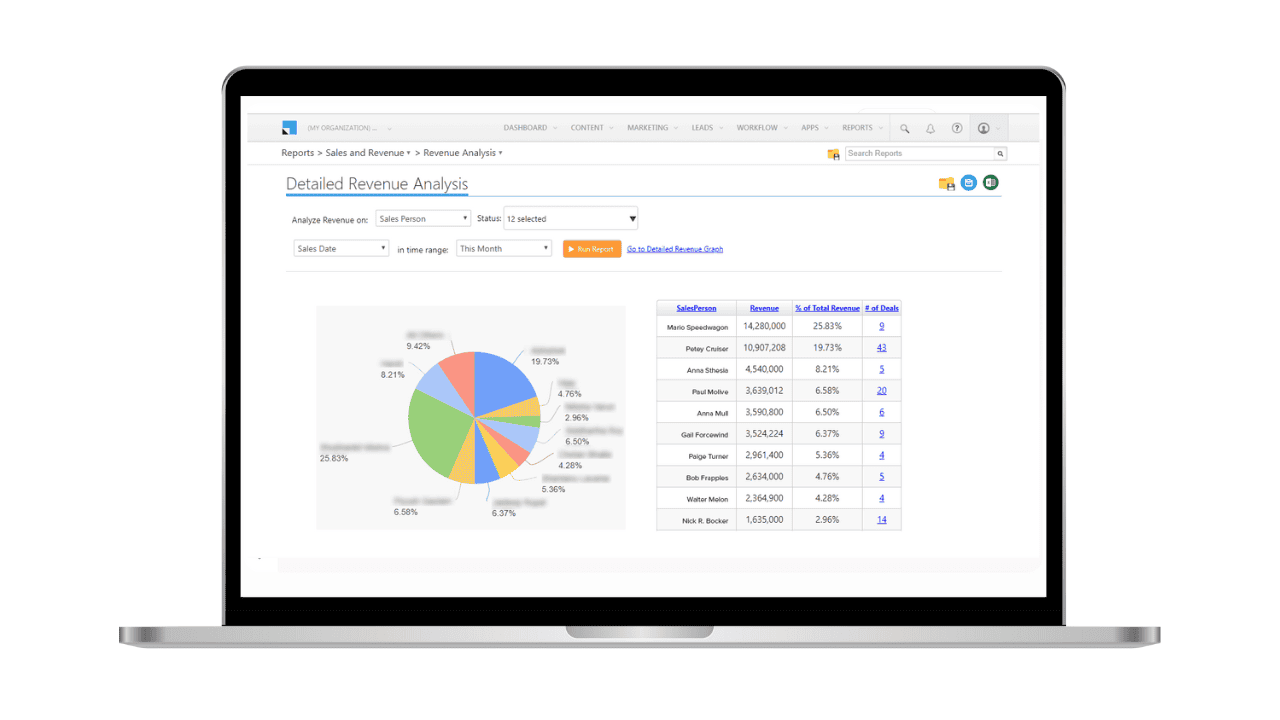
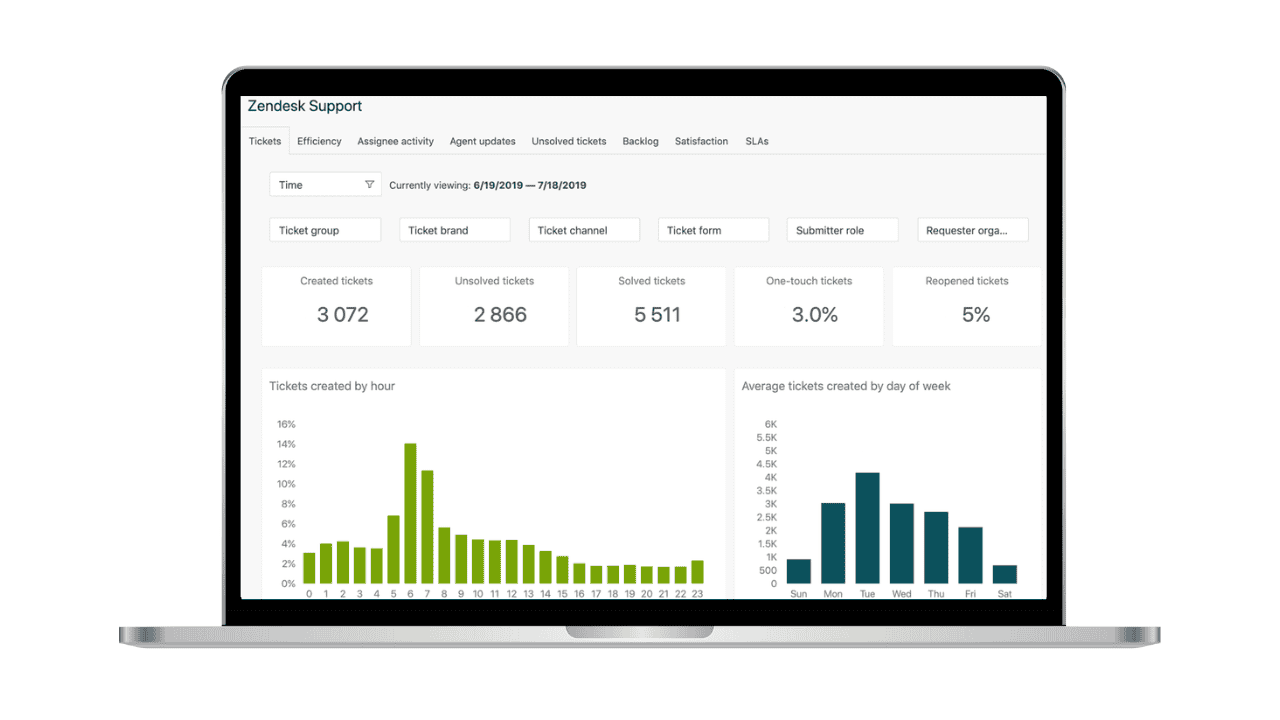
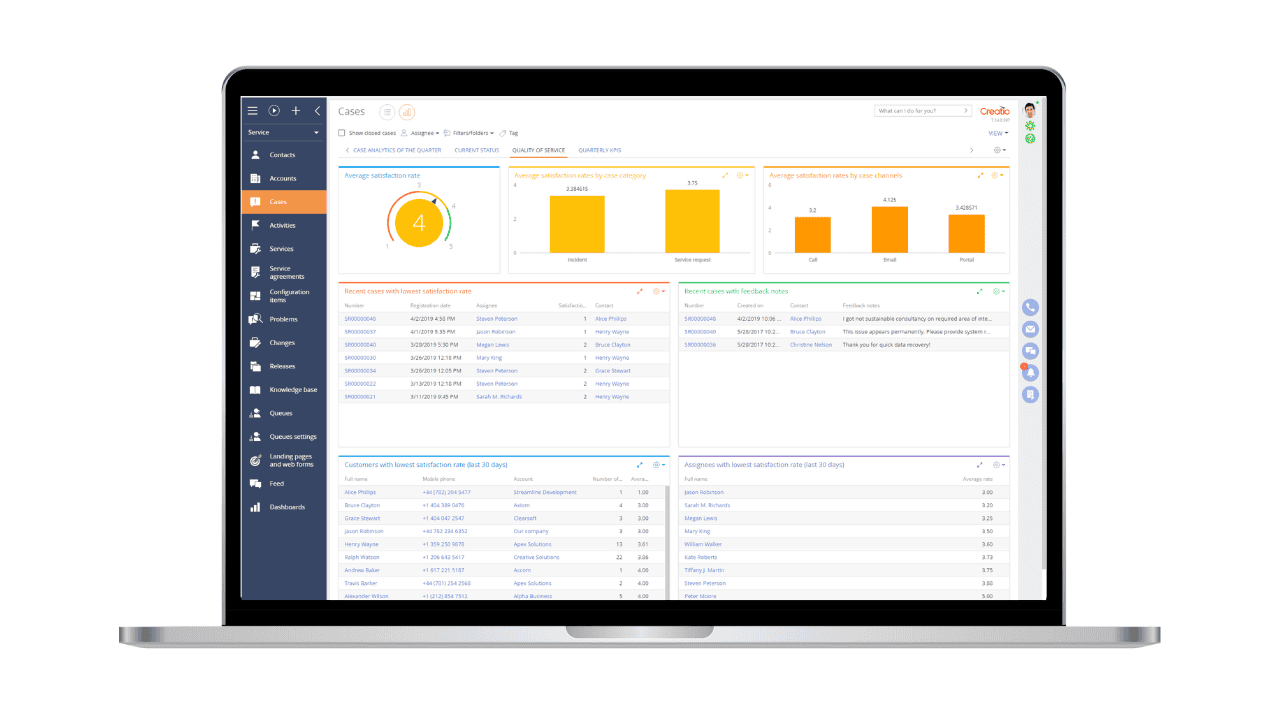
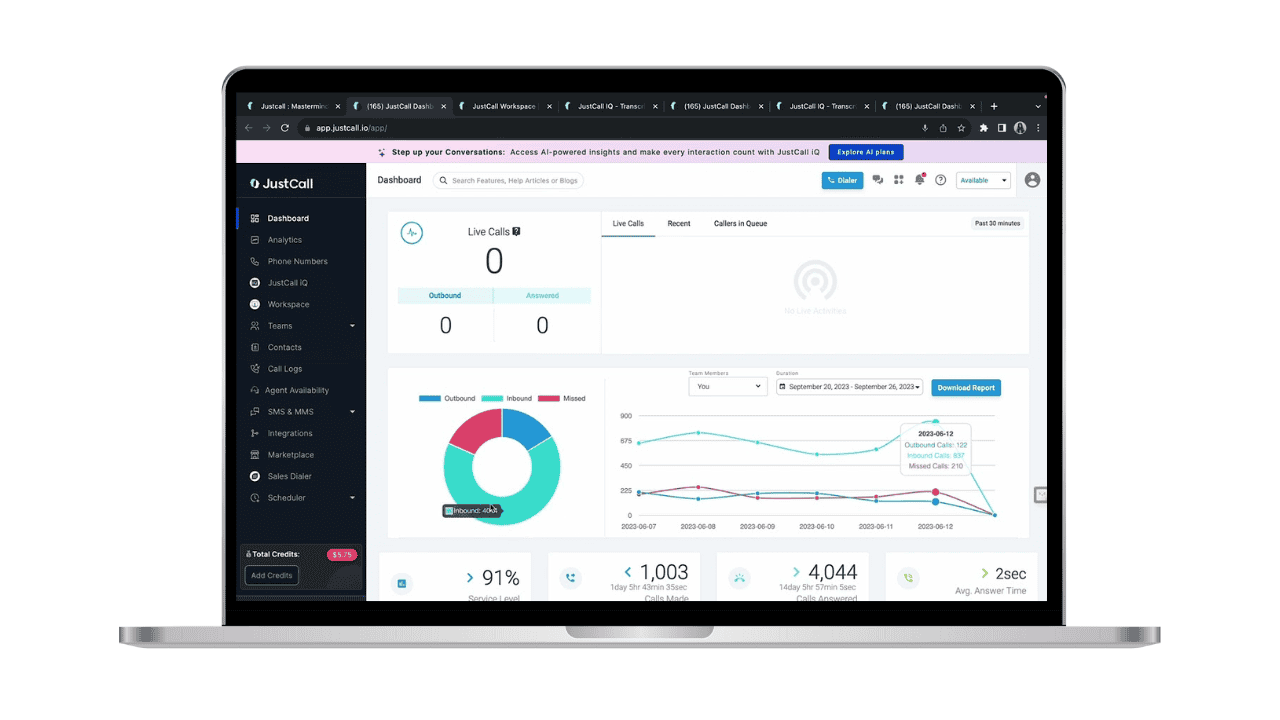
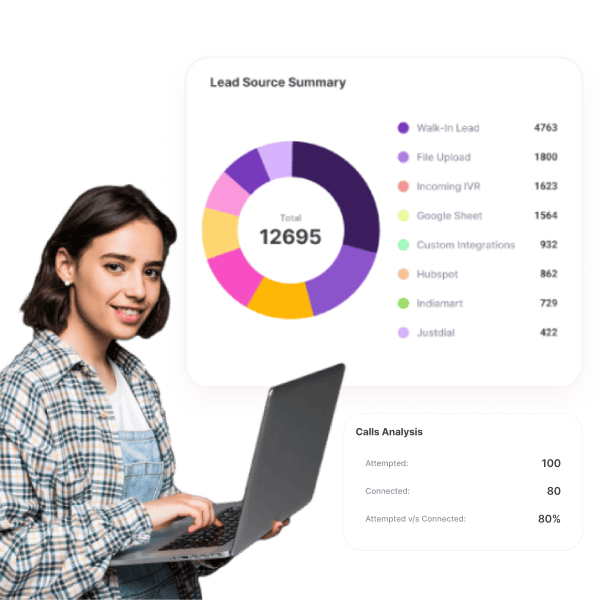
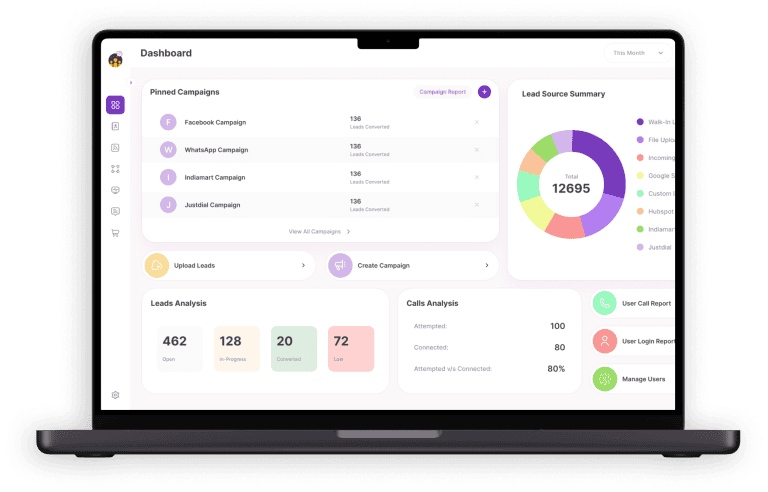
CRM for call centers should help you view real-time reports such as average call duration, call attempt details, average response time, and wait time.
Not just that, it should be able to give you details on lead status, conversion, and lost leads. This will help you get an idea of ongoing trends and make a plan for the growth of your company.